


At vPlan, we are always looking for ways to make our planning tool even more efficient while ensuring that vPlan remains easy to use. Once again, we have added several functionalities, including time-based planning!
Time-based planning
Curious about how it works and how it's displayed in vPlan? Read on.
Planning cards by time
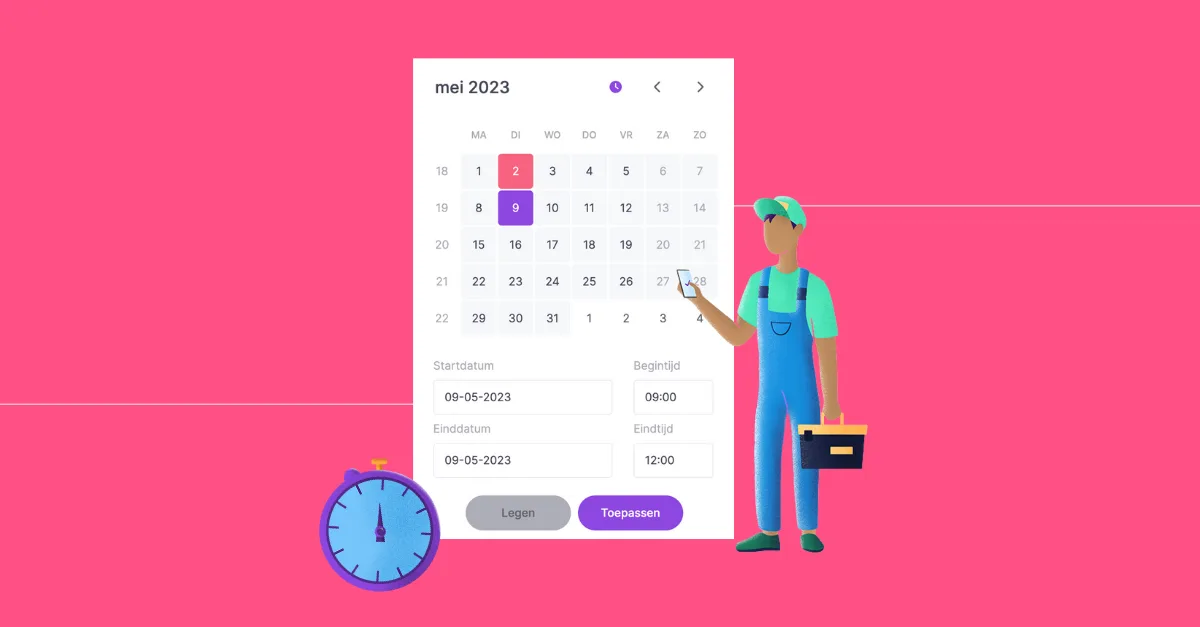
Where previously it was only possible to set the start and end dates, you can now also set the start and end times. In the schedule, you can specifically indicate at what time of day the task should be performed. For example, schedule an installation on May 12, 2023, from 08:00 to 12:00. By clicking on the clock icon, you can set the times.
Zoom in to hours in the timeline
Planning by time in the timeline? That's possible now! In this view, you can zoom in from the year level to the hour level. Zoom in to the hour level and adjust the strip to the appropriate start and end times for the project. This way, you know exactly when to start your project.
The start and end times are also visually displayed on the card in the calendar, list, and kanban views.
FYI: The new agenda view is currently under development for the vPlan Go app.
Sequence based on time
The order of the cards is determined by the start and end times. Cards that occur first are at the top. If you haven't filled in the start and end times, these cards are placed below the cards with the filled start and end times.
That's one of the major updates, but there's more! In addition to planning by time, you can now also create a checklist at the card level, and a new automation has been added.
Checklist at the card level
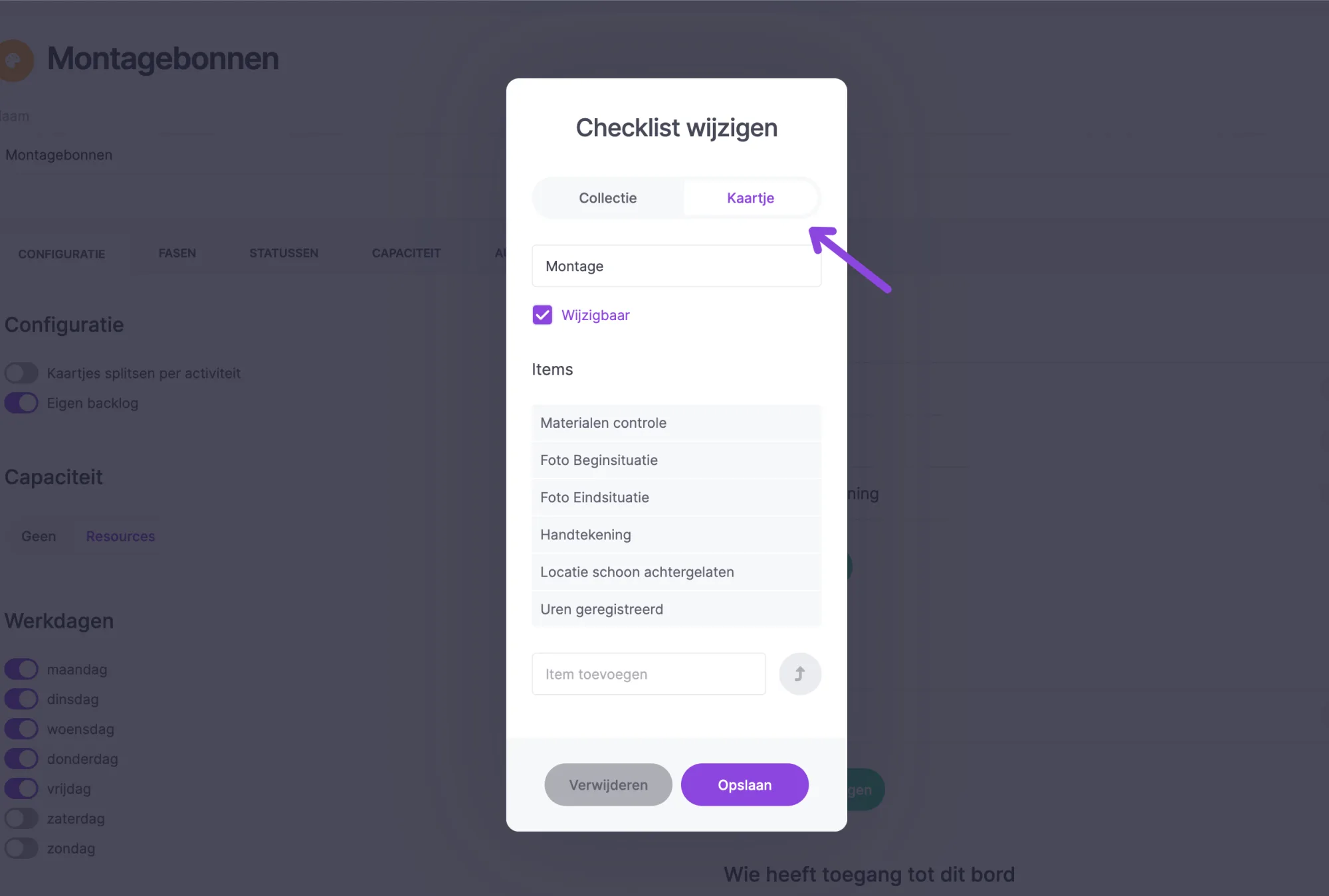
Previously, you could only create a checklist at the collection level. If a collection had multiple cards, you would see this checklist in each card. That can now be done differently. In the settings, you can specify that a checklist works at the card level! This way, you only see the checklist in the correct task.
New automation
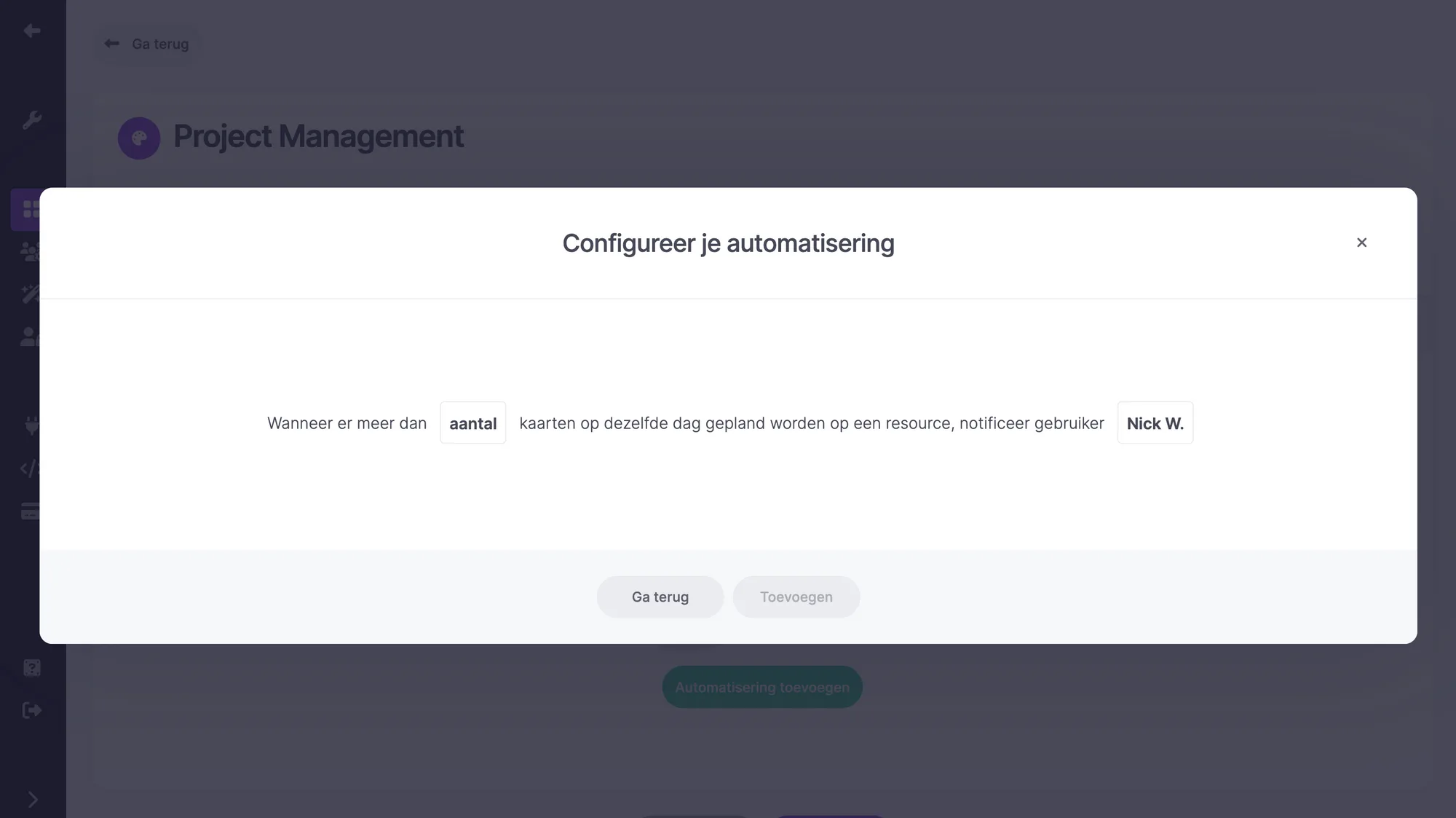
Working on long-term projects and don't want to work on multiple projects in one day? Then this new automation is ideal for you! With this automation, you receive a notification when more than two cards are scheduled on the same day for a resource. This allows you to act quickly and prevent, for example, having to be on two construction projects at the same time.
Try it in your own vPlan
Every new feature is in the free trial.



