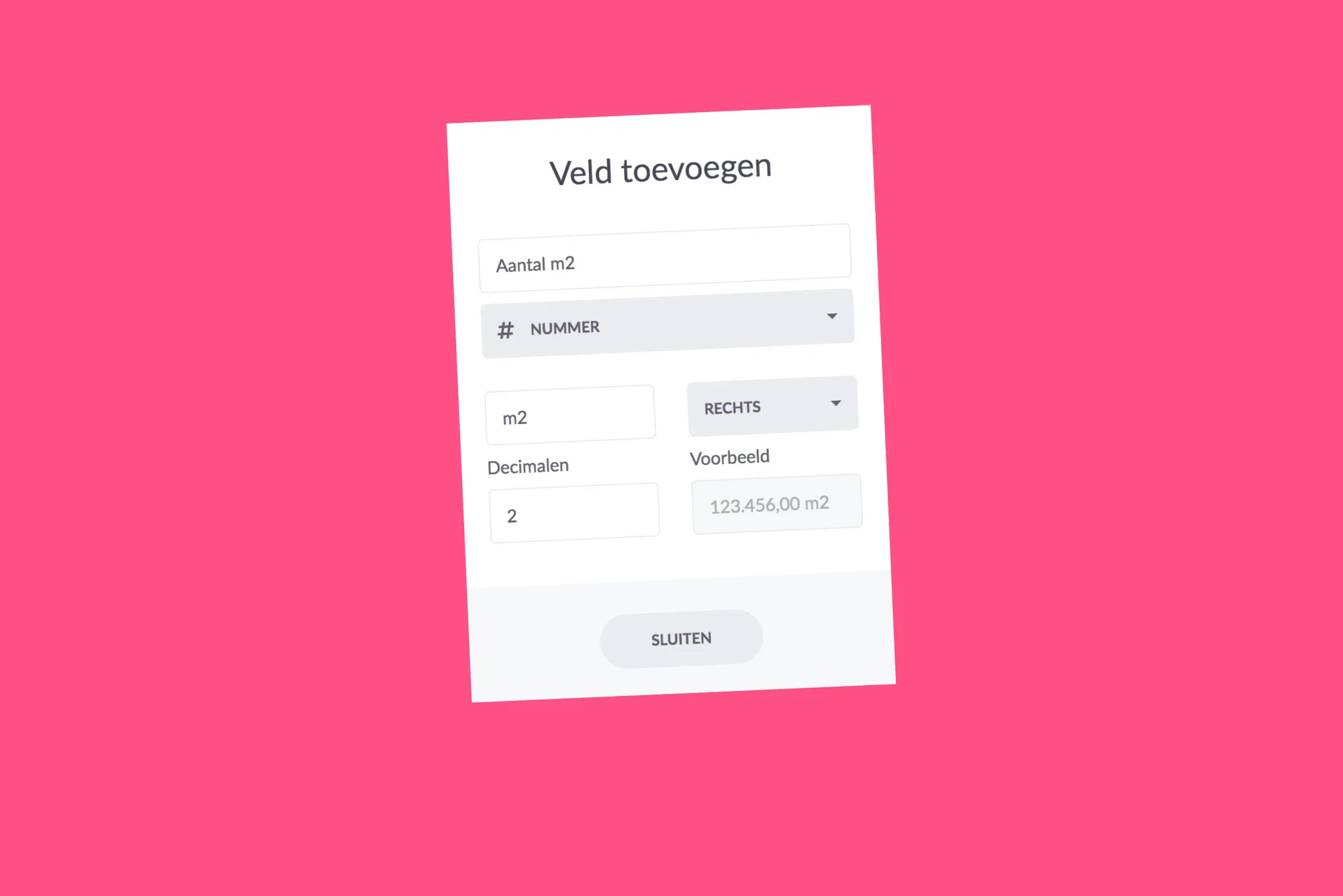
We have made new extra fields available! This gives you even more possibilities to record your work flexibly. All the necessary information in one place.
These additional fields were already available
- Text: This field allows you to display all types of text, such as short notes or addresses.
- Number: In this field, you can only enter numbers. It can be anything related to the number, such as kilo, number, budget and more... (in this update also more possibilities with this field, more about that in a minute)
- Date: this type of field allows you to set dates in addition to the default date fields. For example, use this field as an extra date field to record the promised date.
- Checkbox: yes or no? Confirm using a checkmark. You decide what you want to tick. For example, indicate whether a check has been carried out or whether the purchase items of your order have been received.
From now on these extra fields are also available
- E-mail: Enter an e-mail address in this field, for example, that of your colleague or client. If you click on this mail address in a card or the list, vPlan will automatically start your preferred mail program and create a new message with the mail address in "On".
- Telephone: Please enter a telephone number in this field. If you click on a telephone number after entering it, the standard program will automatically open, with which you can call this telephone number directly.
- Link: Define a web address in this field. When you click on this link after entering it, the website will automatically open in a new window in your browser.
Extra options at number field
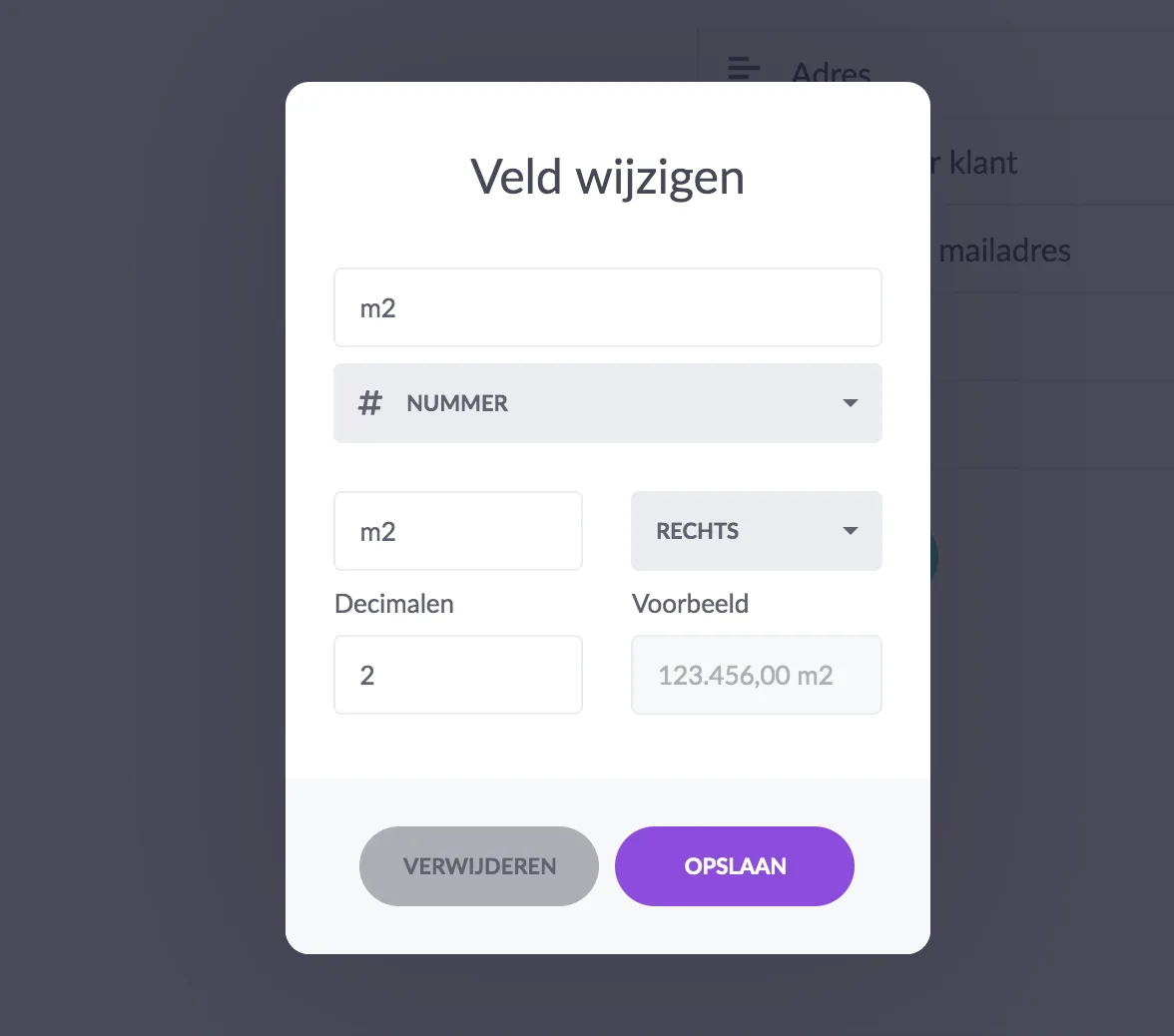
In the extra field number, we have added some nice options. You can now specifically specify your own unit. For example m2 or the €-sign. Indicate whether you want to show the unit on the left or right side of the number. In addition, determine the number of decimals that should appear after the decimal point.
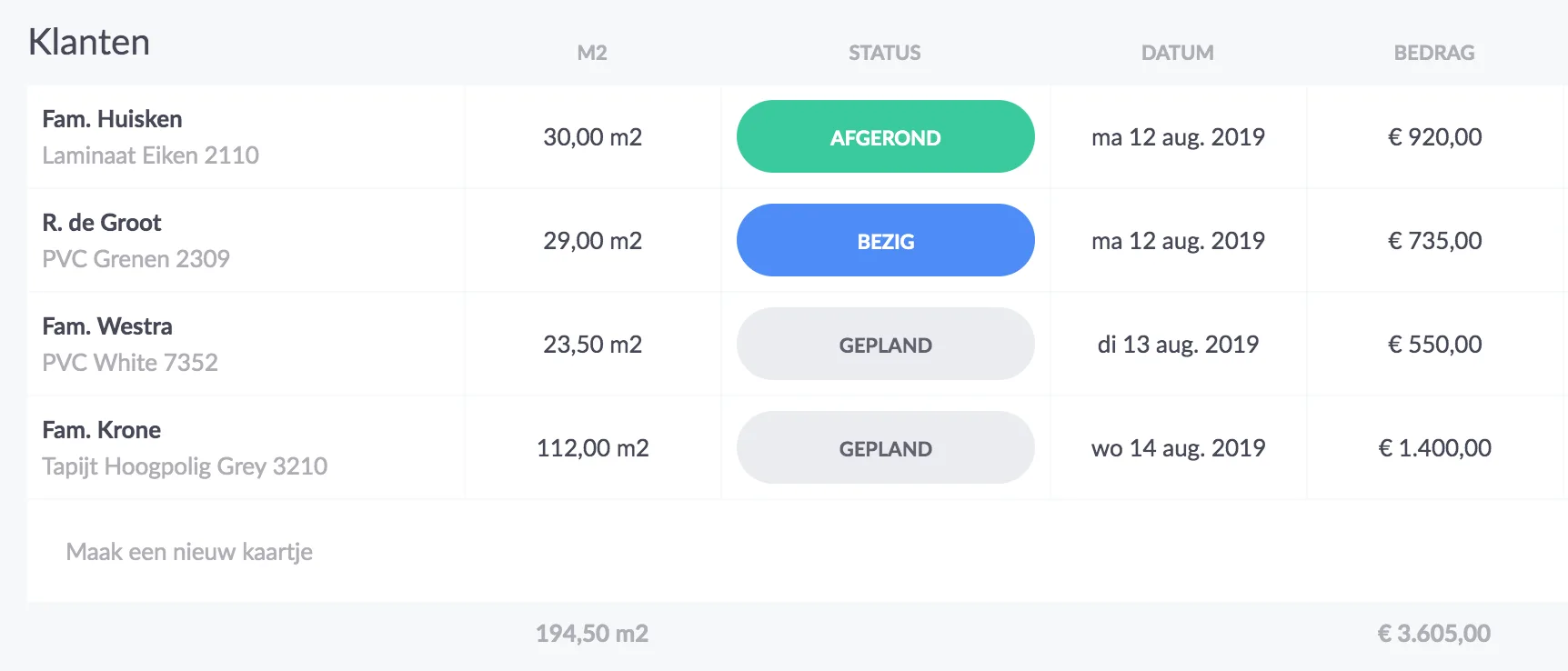
Imagine that you want to record the number of square metres with a card. You create the number field with the description "m2". You also give the unit in "m2". Indicate that the unit must be shown on the right side of the number and that it may have 2 decimals. You will get the following layout:
And the following as a result, for example, in the list view:
Try it in your own vPlan
Every new feature is in the free trial.