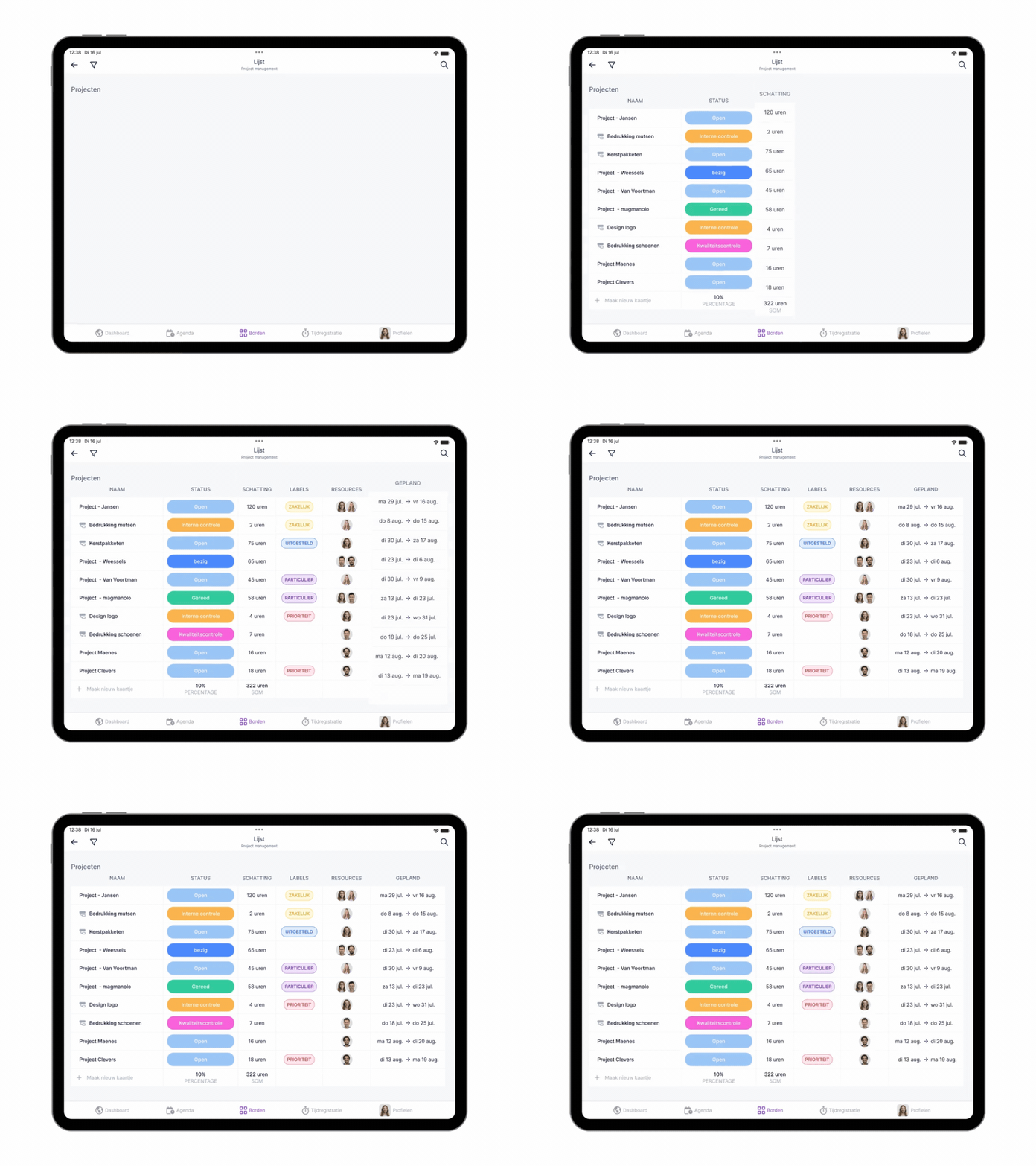
New: List view in the app! 📱

New update! This time in our app. The list view you might already know from the desktop version is now available in the app as well. Perfect for a complete overview of your work progress, wherever you are.

Marijke
Marijke
August 20, 2024
1 min
New: List view in the app!

The list view might be the most versatile view in vPlan. Whether you're scheduling, executing your plan, or analyzing information, the list view provides all the tools you need to manage your work efficiently.

In the app, just like on desktop, you can choose to view cards based on phase, group, resource, status, or collection. Plus, you decide which columns to display and in what order, giving you a customized overview that matches your workflow anytime, anywhere.

More features in the app! 🎥

Curious about all the other views and capabilities of the app? This video highlights essential features you won’t want to miss.

With the list view in the app, you have full control wherever you are! Not using the app yet? Download it now from the App Store or Google Play Store.

Try it in your own vPlan

Every new feature is in the free trial.

Try for free ->
Marijke
WRITTEN BY:

Marijke

Marijke Jansen writes for vPlan about smarter working, productivity, and project management. She makes complex topics easy to understand and directly applicable. Her blogs also share vPlan's latest product release clear, to the point, and focused on what truly adds value. Always with one goal in mind: showing how organizations can work more efficiently by structuring their processes smarter.

Try vPlan for free

Tired of manual updates and spreadsheets? Join over 1,000+ companies that use vPlan to streamline their production and field service.


