


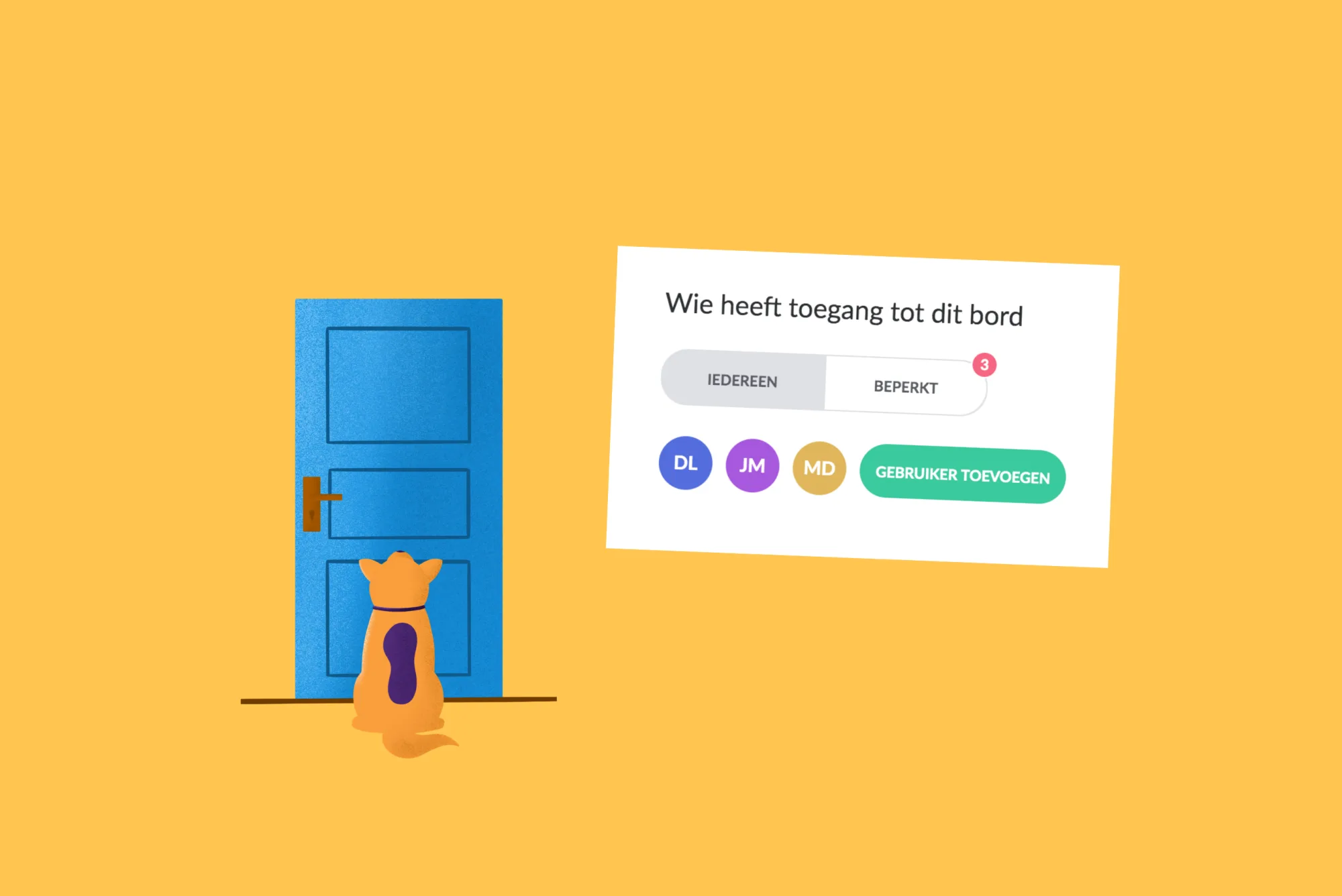
Restrict access to your boards in vPlan
By default, everyone had access to all signs within vPlan. From now on you can restrict this access. Decide for yourself which users you want to give access to a board.
When you make a sign, it is standard on Everyone. This means that all users with access to your vPlan environment also have access to this board. You can also choose to restrict access in a board.

If you choose Restricted, users with the administrator role will always have access. Adding users allows you to decide which users should have access to the board.
Find out more in our help centre
New automation
We are also introducing new automation:

This rule allows you to automatically run an assignment through a process. This is all based on status in a previous phase.
Example: For an assignment, the drawing has been completed, so that for this assignment there will automatically be a new card in the next phase of production.

Would you also like to experience the ease of planning with vPlan? Create an environment now and try it out for free.
Try it in your own vPlan
Every new feature is in the free trial.



