Day capacity 📆

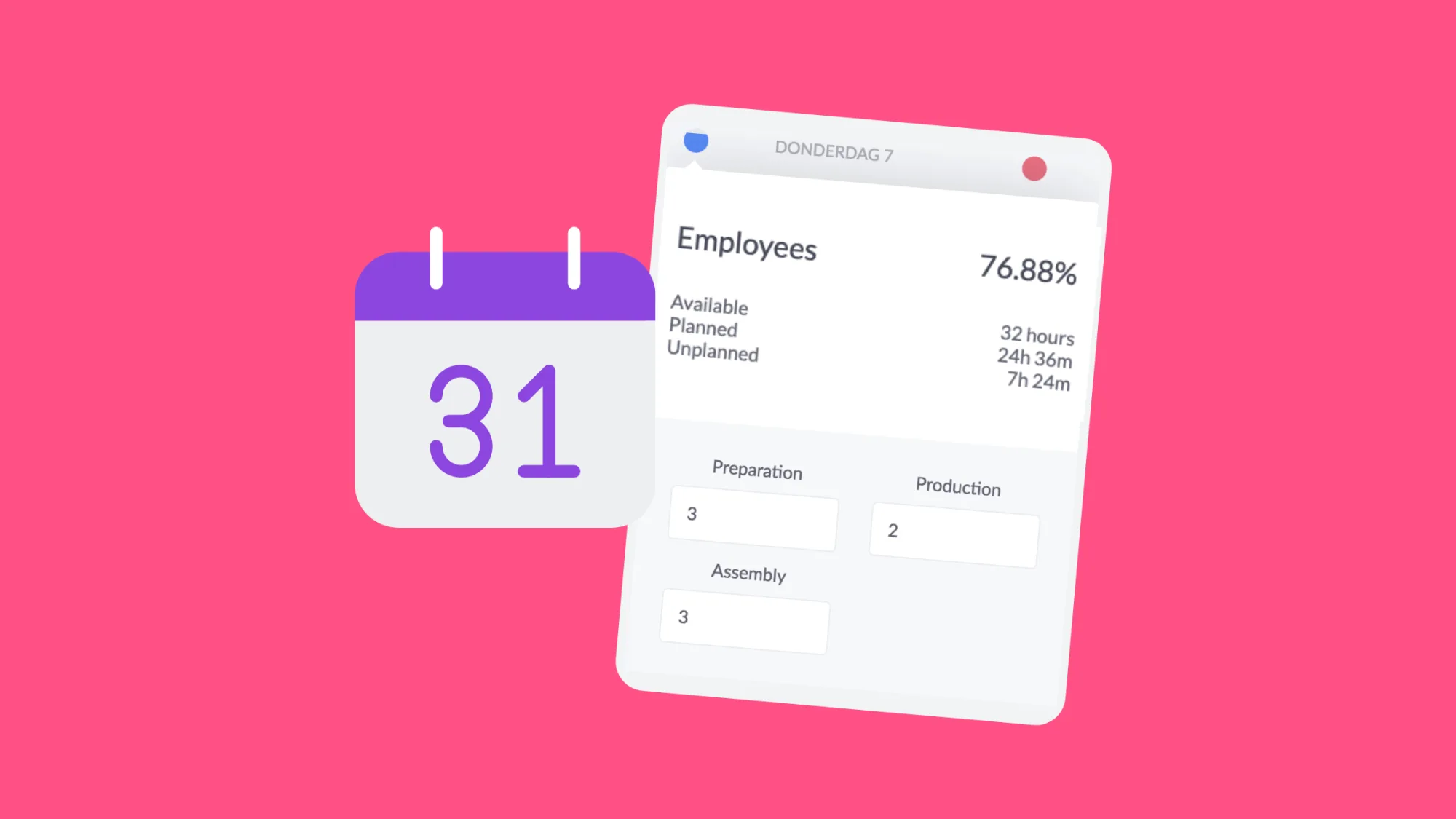
We already had the capacity display per phase per day. From now on you can also view the total daily capacity.

Marijke
Marijke
June 28, 2020
1 min
Day capacity

Get insights into your daily capacity with vPlan

From now on, in addition to the capacity per phase, you can also see the total capacity per day. The new function was partly realised in combination with collective capacity but can be used for any planning board.

You can show or hide the daily capacity in the calendar view in the preferences.
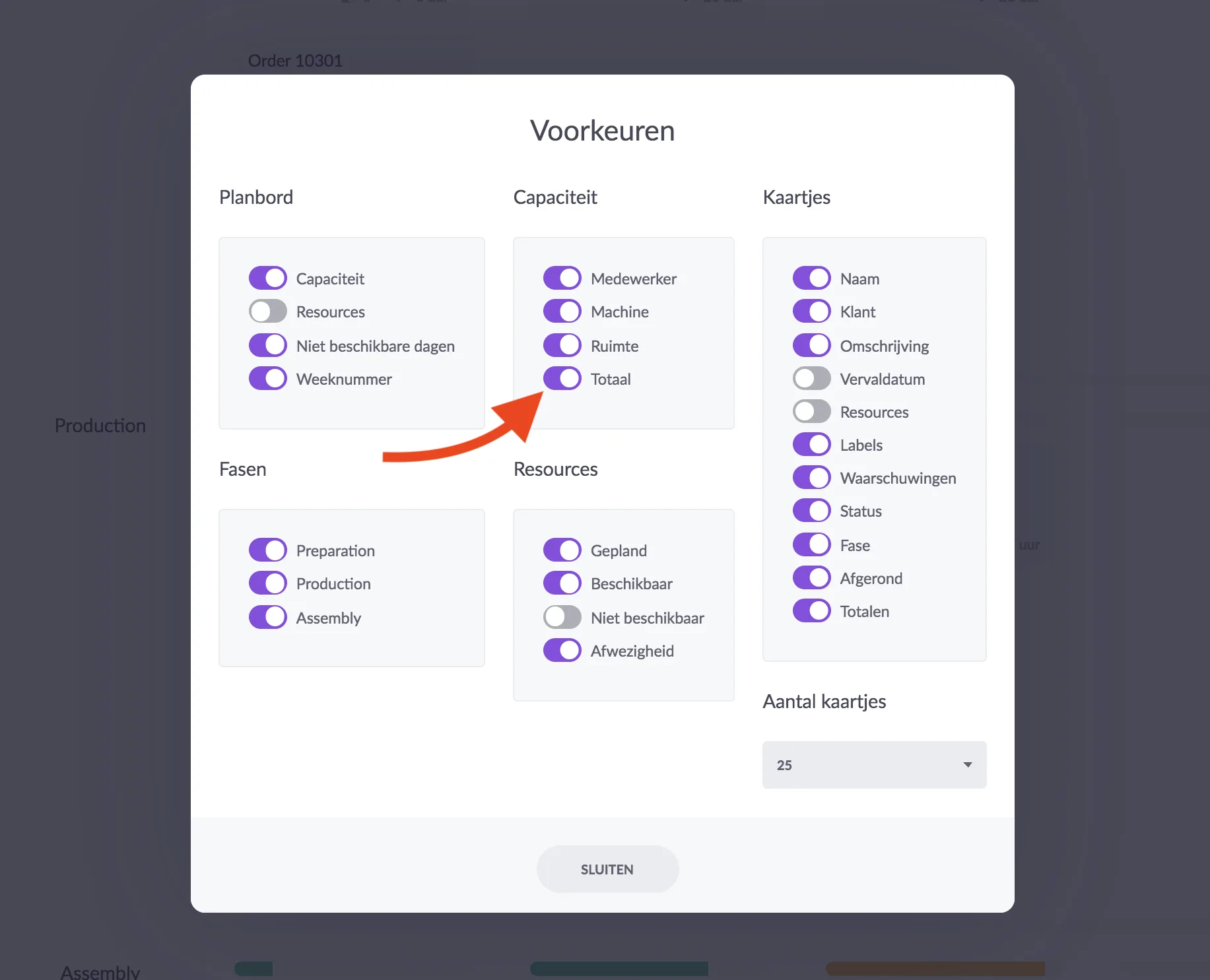
Day capacity
One dot is shown per day. The dot fills up when planning. When you plan more time than is available that day, the dot turns red.
Day capacity

When you keep your cursor on the dot, a window appears with more information about your total day. Depending on your capacity setting (individual or collective) we will show you the information.
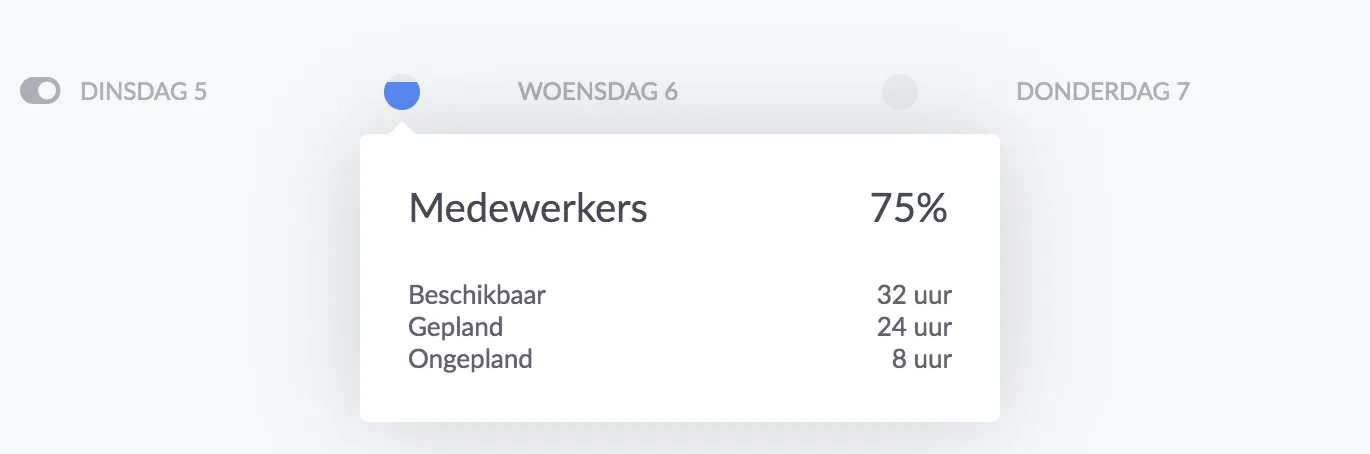
Day capacity

In addition to the Day Capacity, we have developed a new much-needed functionality at the front: Collective capacity.

Would you also like to experience the ease of planning with vPlan? Create an environment now and try it out for free.

Try it in your own vPlan

Every new feature is in the free trial.

Try for free ->
Marijke
WRITTEN BY:

Marijke

Marijke Jansen writes for vPlan about smarter working, productivity, and project management. She makes complex topics easy to understand and directly applicable. Her blogs also share vPlan's latest product release clear, to the point, and focused on what truly adds value. Always with one goal in mind: showing how organizations can work more efficiently by structuring their processes smarter.

Try vPlan for free

Tired of manual updates and spreadsheets? Join over 1,000+ companies that use vPlan to streamline their production and field service.



