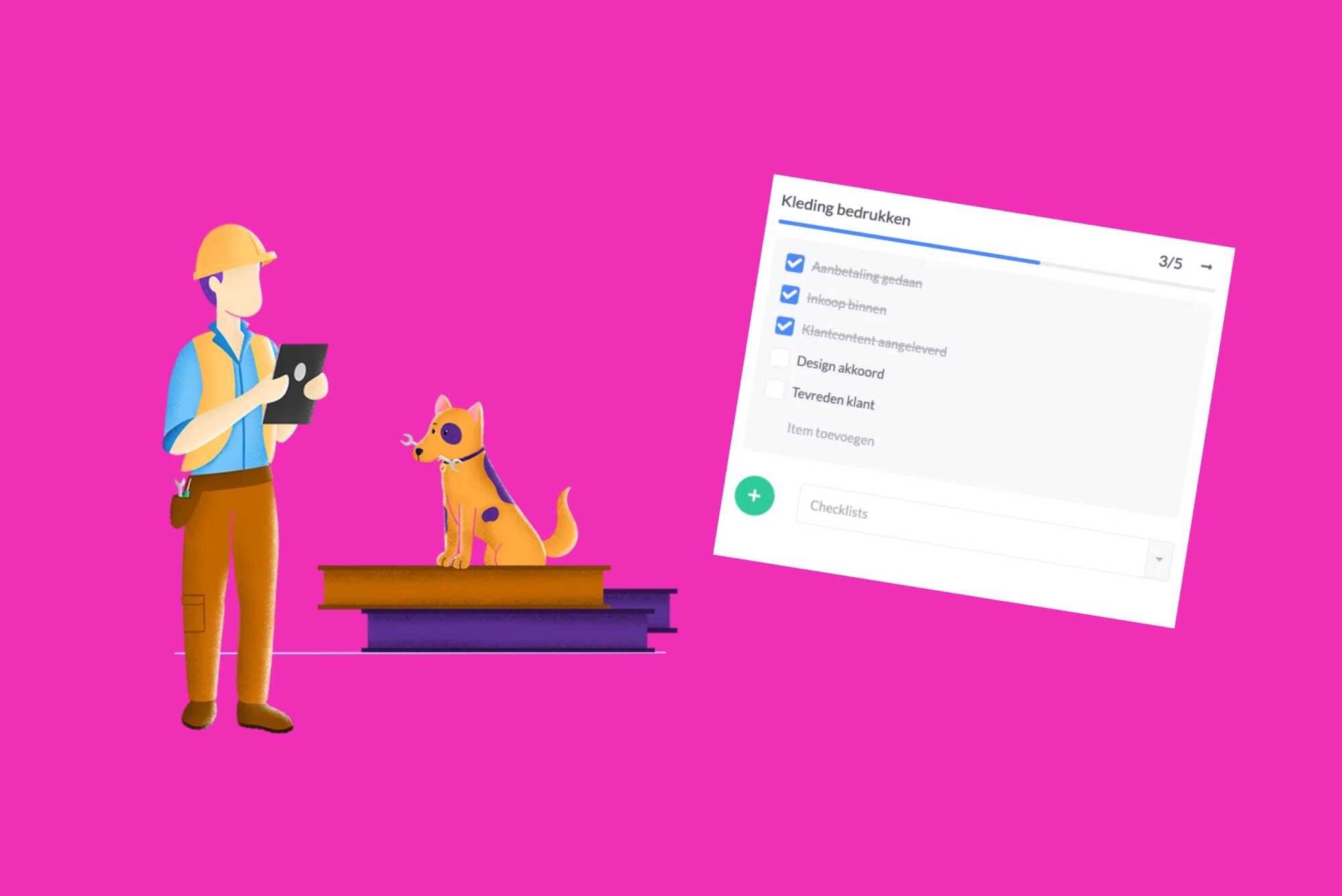
Please note! Due to this development, we've changed the icon for activities within a card. Activities now have the 'magic wand' icon. The Checklist function has now taken over the old icon of activities, the well-known 'checkmark'.

No need to reinvent the wheel
You can create a checklist separately within a card, or you can create a template of a checklist. Once you've created a checklist, you can easily reuse it. For recurring tasks, a checklist is ideal. As an example, let's consider the company Clothing & Co, which prints and embroiders clothing. In the configuration, you can create checklists by clicking on 'Add Checklist'.
Never forget tasks again
We create the 'Clothing Printing' checklist and list all the tasks that need to be performed for a new order. Now Clothing & Co will never forget to perform these tasks again.
Changes
Are you working on completing the checklist and realize that a task is missing? No problem. When the "changes" function is enabled, you can add and remove tasks anytime, anywhere.
Keep track of what's happening
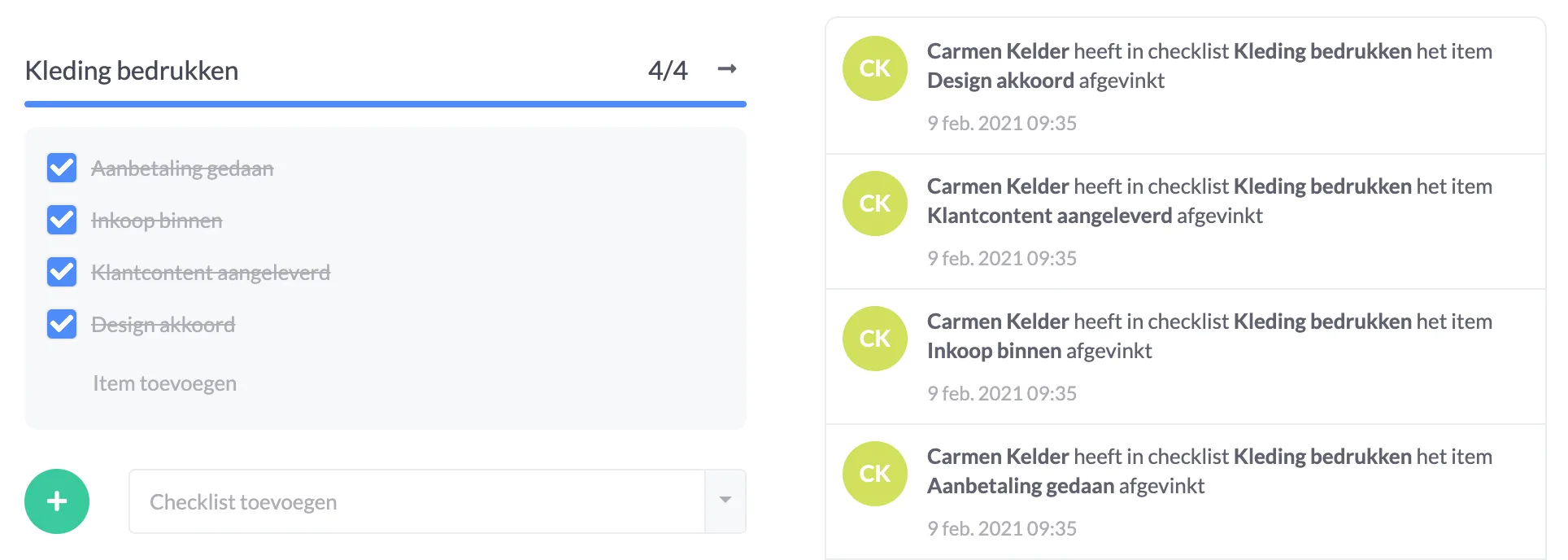
In the events screen, you can see exactly who added the tasks to the list, who checks off the tasks, and when they were checked off. This way, you can see exactly who did what work later on.
Track progress in list view
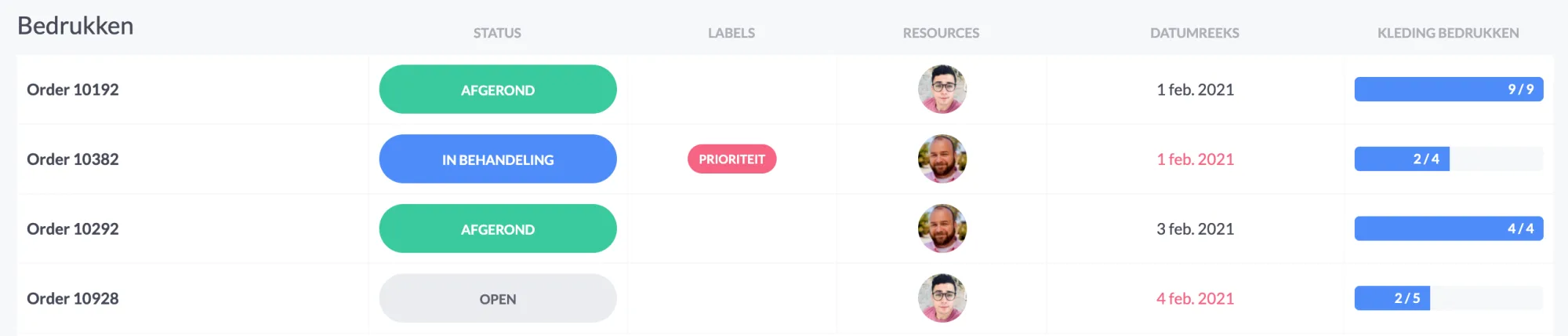
In the list view, you can track the progress of multiple checklists. Simply add the existing checklist as a column in the list. You immediately see how far you are with your tasks.
And we have a new automation
With this automation, activities are automatically linked to a collection/card when it is created within your planning board.

Try it in your own vPlan
Every new feature is in the free trial.