


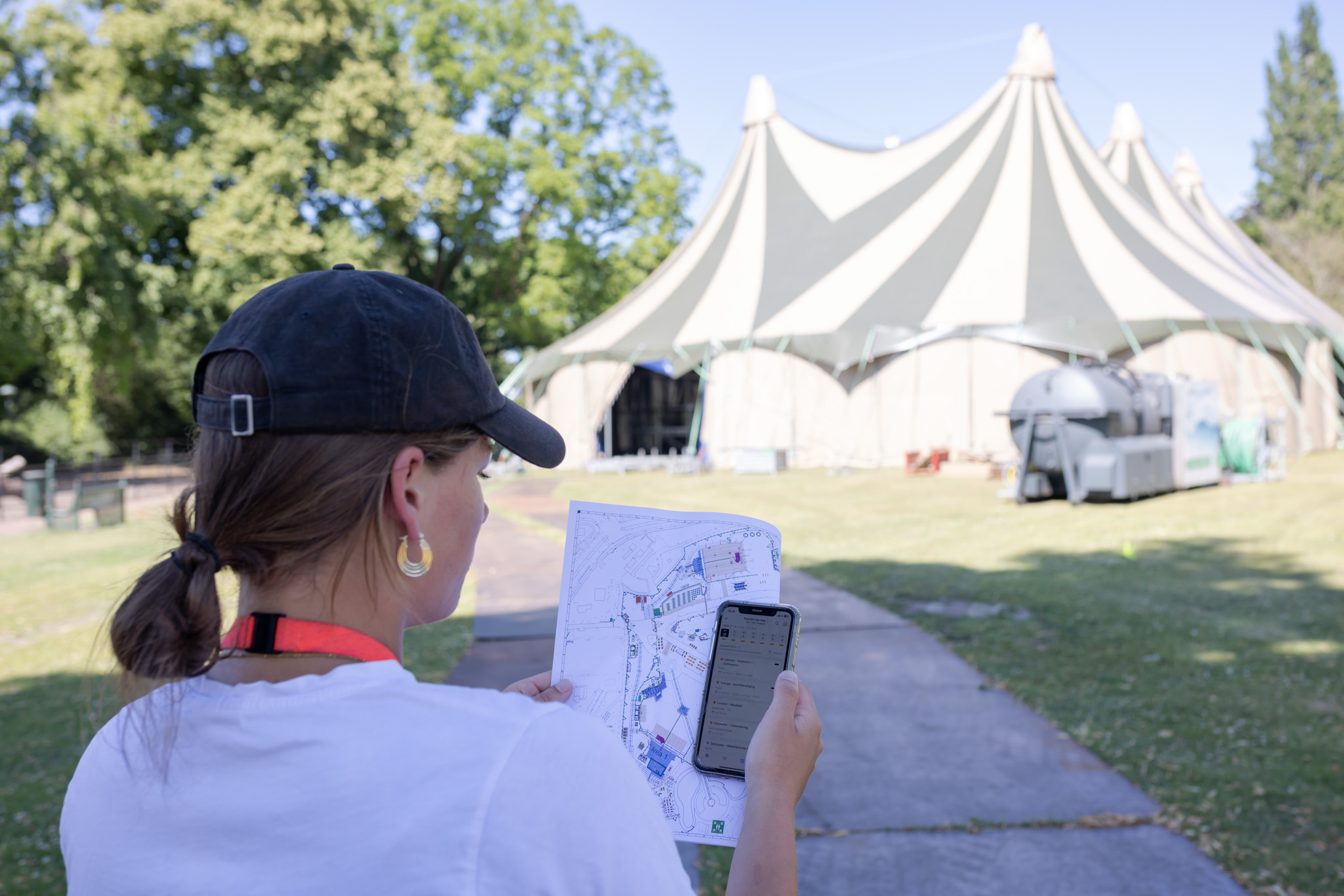
Why a Solid Event Plan is Essential
An event involves many moving parts — people, deadlines, budgets, and communication. If something goes wrong, it often affects the entire process. A well-structured plan ensures:
📋 Clear structure and overview
🤝 Transparent division of tasks
⚡ Less stress and miscommunication
📈 A higher chance of success
Common Challenges in Event Planning
Whether you're organising a company party, planning a customer day, or setting up a large-scale festival, many organisations run into the same issues:
Fragmented communication – Information is scattered across emails, Excel files, and notes, increasing the risk of misunderstandings.
Changing schedules – A delayed supplier or a new date? One change can have a big impact on the rest of your plan.
Lack of overview – With multiple teams, suppliers, and deadlines, it’s hard to see whether everything is still on track.
Pressure on the day itself – Poor preparation leads to stress and last-minute decisions during the event.
No shared working method – If everyone works in their own way, there’s no consistent process and important knowledge gets lost.
Among our clients — from local meet-ups to large festivals like Absolutely Fresh — we often see the same trend:
As the number of tasks, people, and suppliers grows, managing it all without a clear structure becomes nearly impossible.
Planning Your Event in 10 Stages
So how do you create an effective event plan? Organising an event can feel overwhelming — and sometimes it is. Fortunately, a clear step-by-step plan makes it more manageable (and even enjoyable!). Follow these 10 stages to lay the foundation for a smooth and successful event.
1. Define Your Goal and Objectives
Why are you organising the event? To attract new clients, strengthen existing relationships, or host a large celebration? Clear goals help you make better decisions about venue, budget, and communication.
2. Assign Your Team and Responsibilities
Clearly define who is responsible for what — venue, catering, technical support, marketing, registration. Use an organisation chart to structure responsibilities so everyone knows their role.
3. List All Tasks
Map out every task through a brainstorm or mind map — from applying for permits to welcoming guests. The more complete, the better. Tools like Canva, Creately, or Miro can help with collaborative online mind mapping.
4. Create a Timeline
Organise tasks in a logical sequence and set deadlines. A timeline (Gantt chart) helps visualise what needs to happen when, and ensures key milestones aren't missed.
5. Set a Budget
List all expected costs: venue, catering, equipment, marketing, staffing. Create a clear budget and include a buffer for unforeseen expenses.
6. Choose a Venue and Date
The venue largely determines the atmosphere and possibilities of your event. Consider accessibility, capacity, technical features, and catering options. Also, pick a date that doesn't conflict with holidays or major events.
7. Book Suppliers and Partners
From catering and security to speakers and entertainers — start booking early and clearly document all agreements. A checklist of suppliers helps ensure nothing is overlooked.
8. Start Communication and Marketing
Make sure your target audience knows the event is happening. Think email campaigns, social media, flyers, or press releases. Create a communication plan and a clear marketing schedule.
9. Prepare for the Event Day
Create a detailed script (your event card) including times, activities, responsibilities, and special notes. Think about setup, registration, catering moments, speakers, and closing. This document is essential for your team and suppliers.
10. Evaluate and Improve
After the event, take time to reflect. What went well? What could be better? Ask for feedback from guests, suppliers, and team members — and record improvements for next time.
How Software Helps You Plan Events
You can start your event plan in Excel or use ready-made script templates. For example, a spreadsheet with columns for time, activity, responsible person, and notes. Even a simple Gantt chart can be helpful.
But as your event becomes larger and more complex, Excel starts to show its limitations:
- Too many tasks and suppliers make your spreadsheet hard to manage.
- Every change takes time to update across the whole file.
- Collaborating in one file is tricky and prone to errors.
- Versions get lost or overwritten.
In short: Excel is a good starting point for small events, but it’s not a future-proof solution for larger projects.
vPlan: A Smarter Solution
That’s why more and more organisations are switching to a professional planning tool like vPlan. You no longer work with scattered files — everything is in one central environment, accessible in real time.
Benefits of Event Planning with vPlan:
🧩 One centralised plan for tasks, deadlines, and communication
🔑 Roles and permissions: suppliers and partners only see what’s relevant to them
🔄 Drag-and-drop tasks and instantly see the impact
⏱️ View planning by day, week, or month
✅ Real-time status tracking — planned, delivered, or completed
📱 Access everywhere, even via the mobile app
“Using Excel felt like building a LEGO tower on a single brick. Eventually it collapses. With vPlan, we finally have a solid foundation to plan our festivals.”
– Bram, Absolutely Fresh
👉 Read the full Absolutely Fresh customer story here.
Conclusion
Successful event planning starts with structure. Define goals, assign responsibilities, create a timeline, and prepare a clear script. You can use simple tools like checklists, mind maps, or Excel templates to begin.
But as your events grow more complex, you'll need a tool that offers real clarity, flexibility, and collaboration. That’s where vPlan comes in.
➡️ Try vPlan free for 14 days and discover how easy and stress-free event planning can be.
Frequently asked questions
When Should You Start Planning an Event?
For small company parties or informal gatherings, a preparation time of 4 to 6 weeks is often sufficient.
For larger events such as conferences or festivals in the Netherlands, we recommend starting at least 6 to 12 months in advance. This gives you ample time to apply for permits from the local council and secure your suppliers.
What Does a Good Event Script Include?
A solid event script (or event card) contains a detailed schedule with all activities, assigned responsibilities, and important notes.
For example:
09:00 – Stage setup
Responsible: Technical supplier
Note: Sound check required
The script can be shared digitally, so everyone involved has real-time access to the latest updates — ensuring clear coordination and fewer surprises on the day itself.
Which Tools Can I Use to Create an Event Plan?
For small events, you can start with a simple Excel template or a checklist. These are useful for keeping track of basic tasks and deadlines.
For larger or more complex projects, many organisations in the Netherlands use professional planning tools like vPlan. With vPlan, you can:
Manage tasks, suppliers, and deadlines in one central location
Collaborate easily with your team
Get a clear overview of your planning at day, week, or month level
Track real-time progress and updates
Choosing the right tool depends on the scale of your event — but for anything beyond a small gathering, a dedicated tool makes your planning much more efficient and stress-free.

Work at vPlan
We are looking for new colleagues.


