


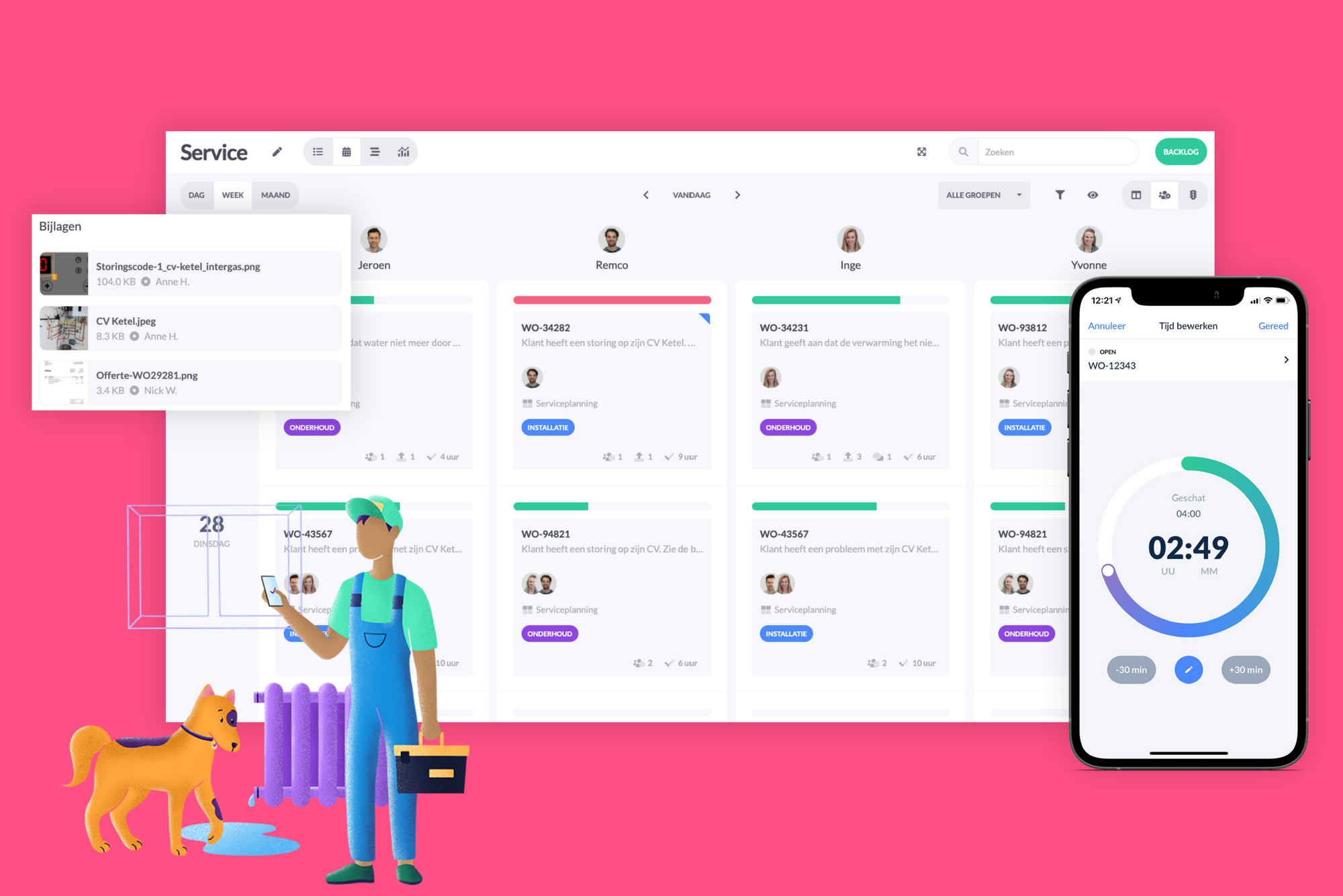
Are you still using old-fashioned paper work orders? We have the solution for you. By digitizing your work orders, you simplify the work for both your indoor and outdoor teams. No more retyping orders, searching for lost work slips, or wasting time on administrative hassles.
Get started with vPlan's digital work order software. With vPlan and the field service app, vPlan Go, you can digitize your work orders and your entire planning process. This way, you avoid chaos and you and your colleagues are always informed. How can you use vPlan? We'll show you through the following steps:
1. Visualise your digital work order
As a planner, you create the work order and add all relevant job information. Within vPlan, the job is referred to as a 'card'. Assign the appropriate employee to the card and fill in fields such as customer details, visit address, materials checklist, etc.
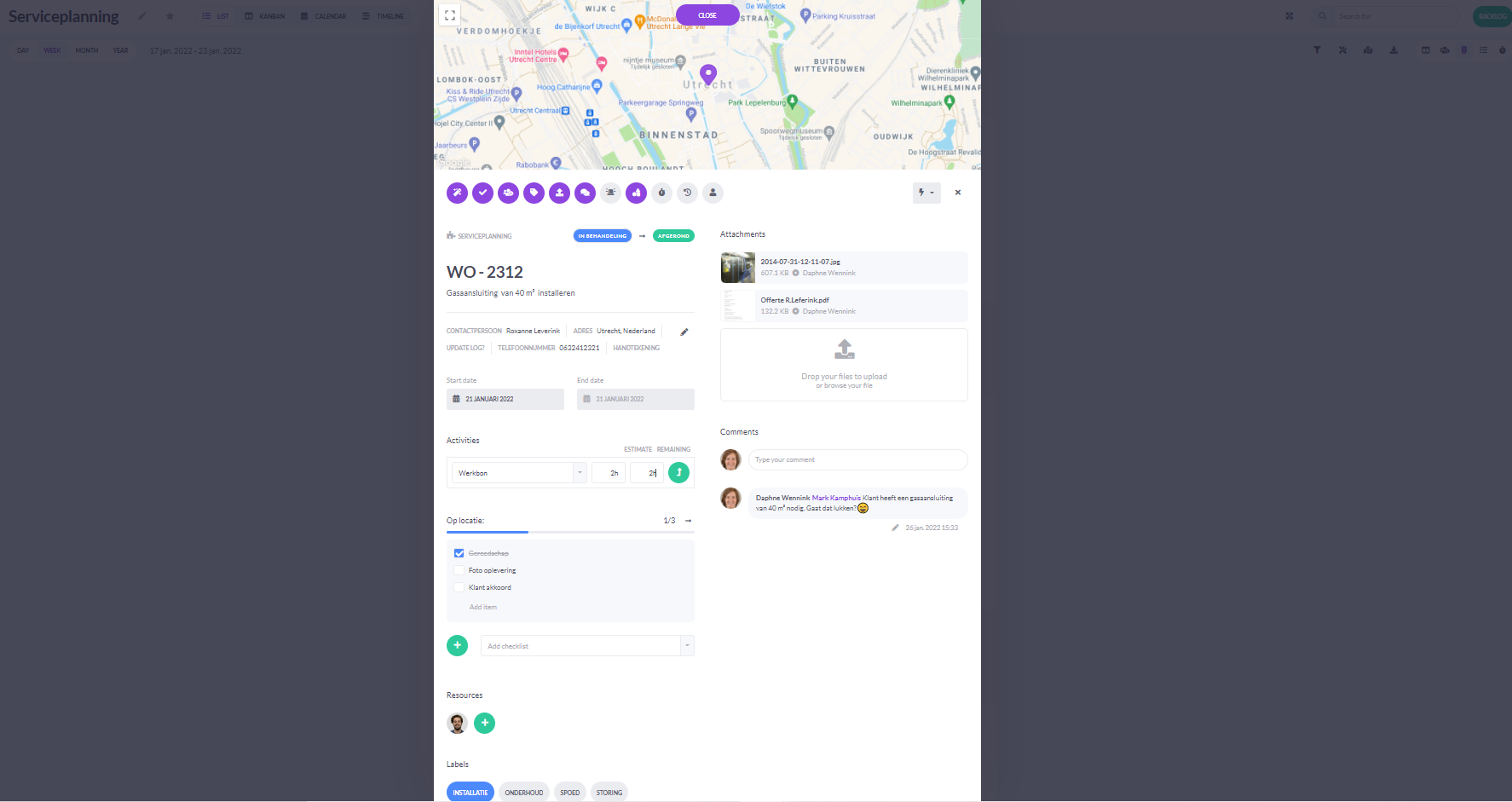
Do you use an ERP system or accounting software, such as Exact, Snelstart, or Afas? vPlan is easily integrable, allowing you to schedule orders and work orders directly from your ERP system within vPlan. This reduces manual work even further. Read more about our integrations here.
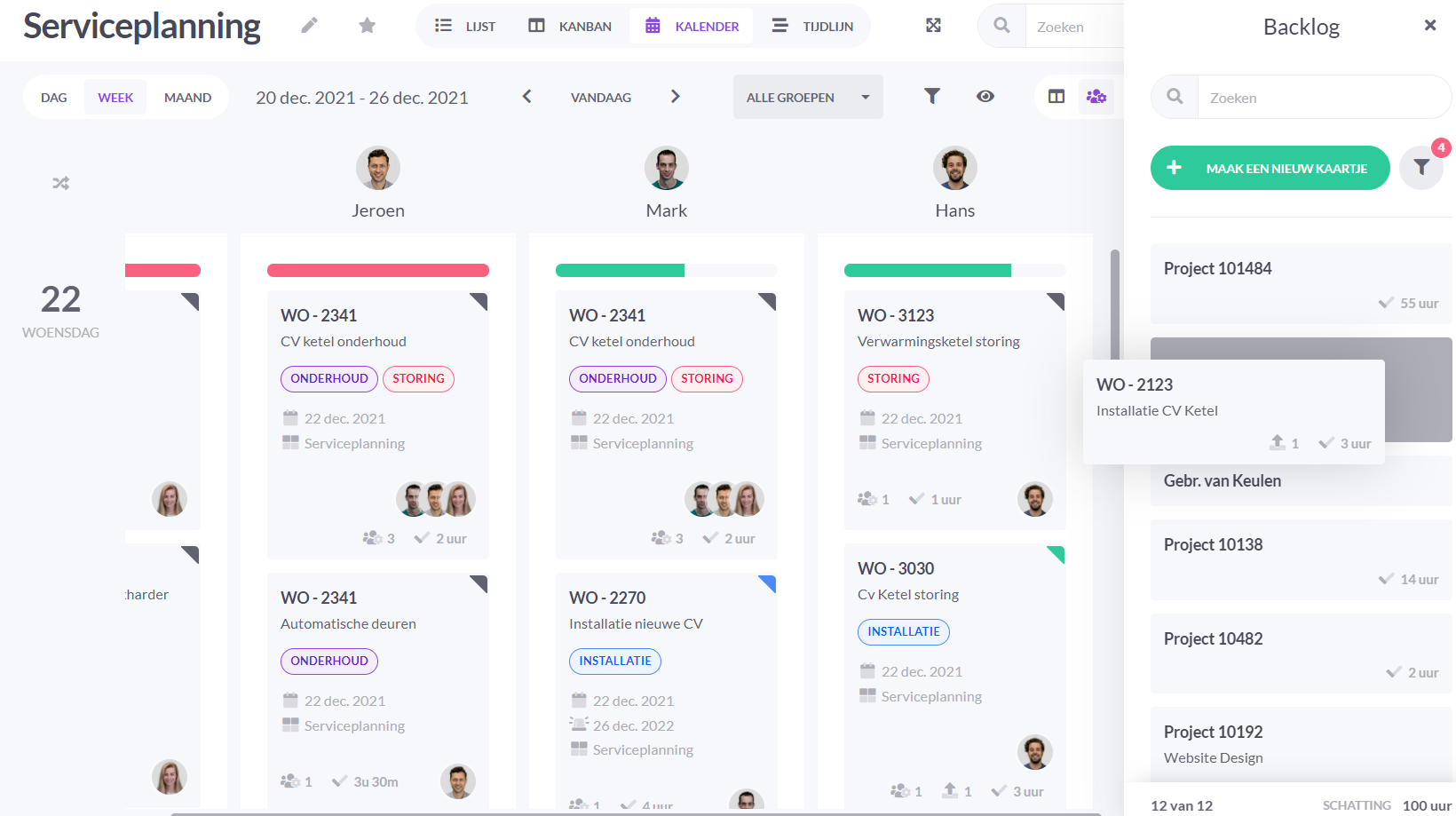
2. Schedule your work order on your planning board
Once you've added the information to your work order, it can be scheduled. Schedule the task to the appropriate person on the desired day. See exactly where there's still room in the schedule. Even consider competencies if necessary. Do you need large equipment, such as a crane truck? Create your equipment as resources and make your schedule complete.
3. Calculate the optimal route
Do your employees need to visit multiple locations in one day? With just one click, get the most optimal route. Want to change the sequence of the route? Easily rearrange the cards and see how your route planning changes.
4. Select your work order
Start your workday by easily checking the vPlan Go app to see which work orders are assigned to you today. Read the description of the task and any comments left by your colleagues. Click on the work order, update its status, and gather the necessary materials.
5. Heading to the job
In the work order, you'll find the location of your tasks. Click on the address, and Google Maps will open. Start the route to your destination.
6. Get started with your work order
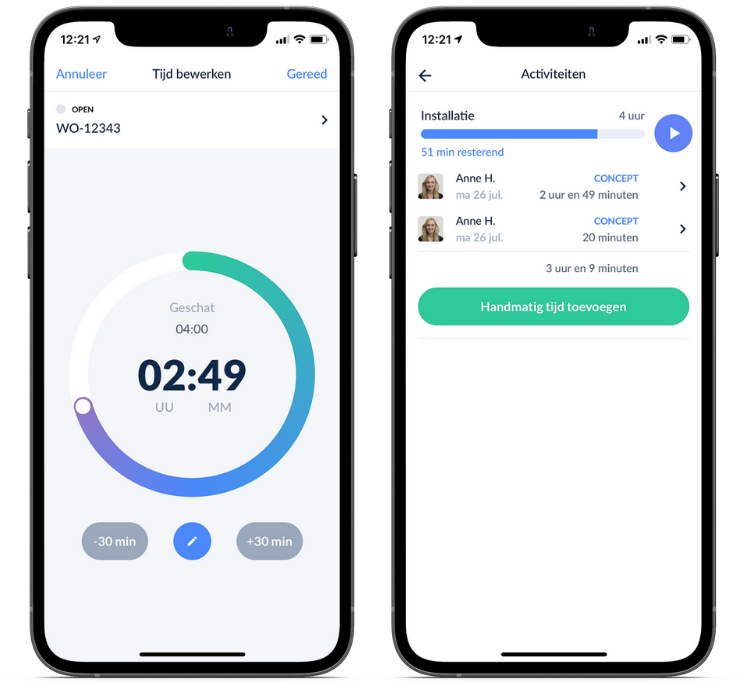
You've arrived and can begin the task. With a press of the start button, the timer starts running. Your time is automatically recorded.
7. Tick off your tasks
Finished with a task? Check it off on the checklist. This way, you'll never forget to complete a task.
8. Communicate with your colleagues
Have a question for your colleagues? Add a comment to the work order and tag your colleague. Your colleague will receive a notification immediately and will be informed of your question.
9. Attach files
Take a photo of your work and attach it to the work order. This photo will be visible immediately. This way, you and your colleagues have all the information in one place and can quickly and easily find everything.
10. Finished working?
Are you done with your task? Stop the time tracking. Update the status of the work order so that your colleagues are informed as well.
11. Sign off the work order
Finally, easily add a signature using our drawing field. This lets your colleagues know that the work has been completed. You can also use the drawing field for a situational sketch if needed.
Your ideal work order app
Send your team on the go with the vPlan-app. With this work order app, your employees have the schedule always at hand and can provide updates and time tracking on the spot.
Do you want to get rid of your digital work orders too? Try vPlan today for free for 14 days!
Frequently asked questions
What is a digital work order?
A digital work order is an online version of a paper work order. You record tasks, hours and materials digitally, making everything immediately visible and up to date.
How do you create a digital work order?
You create a digital work order using work order software or a work order application. This allows you to complete, share and store work orders online without paperwork.
What are the advantages of digital work orders?
Digital work orders provide:
- Fewer errors
- Faster processing
- Better communication
- More overview
In addition, you save time and costs.
Who are digital work orders suitable for?
Digital work orders are ideal for companies in:
- Installation
- Service & maintenance
- Construction
- Technical services
In short: any organisation that works with work orders.
What work order software do you need?
Good work order software offers features such as:
- Digital registration of work orders
- Integrations with planning or ERP
- Mobile access via an app
- Real-time insight
Can you complete work orders online on site?
Yes, with a work order application such as vPlan, employees can complete work orders directly on site using a tablet or smartphone. This saves time and prevents duplicate work.
What are common mistakes when digitising work orders?
Common mistakes include:
- Choosing overly complex software
- No clear way of working
- Not involving employees in the change
👉 Start simple and scale up later.

Work at vPlan
We are looking for new colleagues.


