


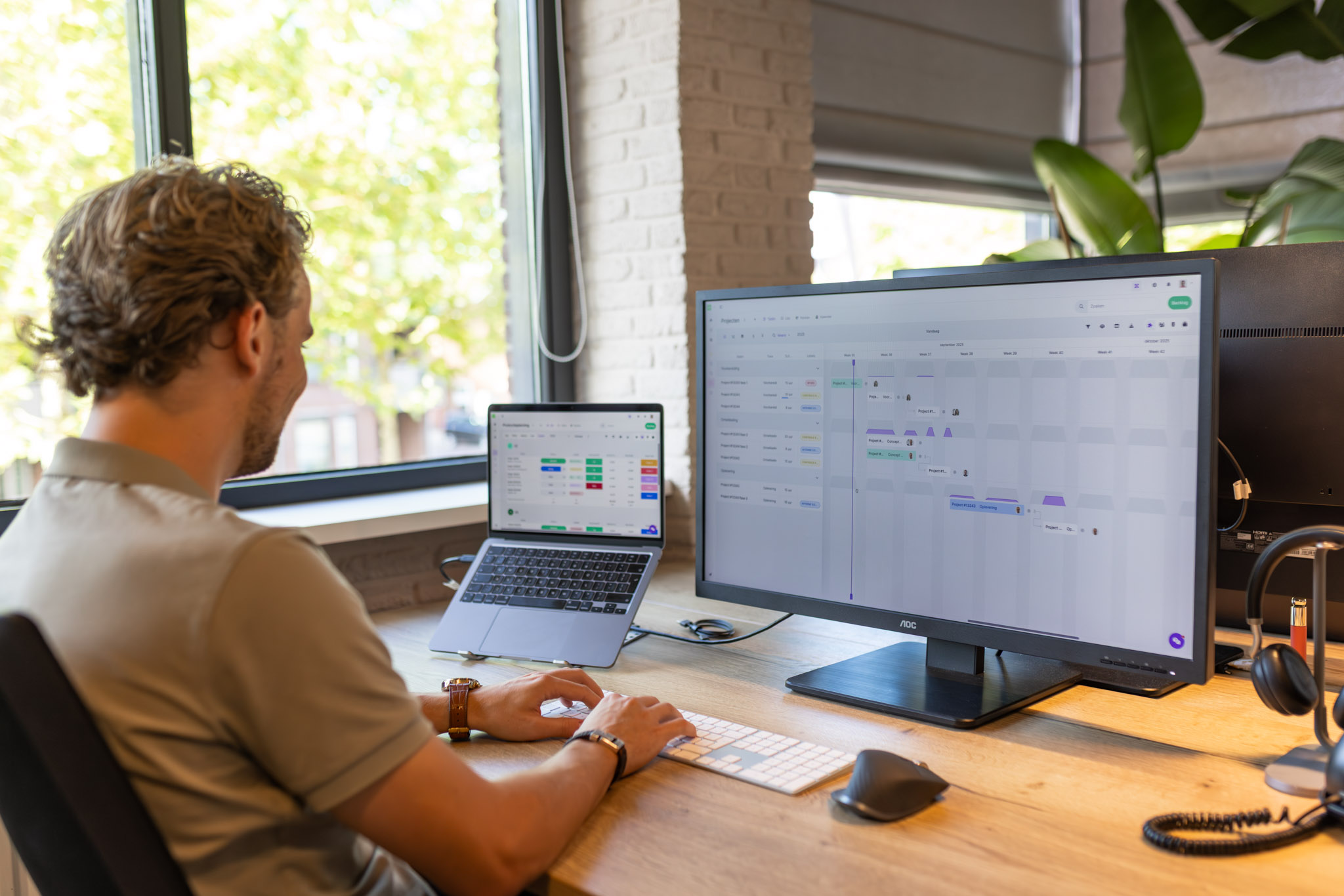
Why invest in planning software?
Good planning software helps your organisation save time, distribute tasks more effectively and improve collaboration. With one clear tool, you can create a planning, plan projects and monitor deadlines.
Benefits of planning software:
- ✅ Less manual work through automation
- ✅ Always insight into who is doing what
- ✅ Better collaboration between teams
- ✅ Reports and progress in one overview
- ✅ Less miscommunication and missed deadlines
What should you consider when choosing the best planning software?
There is no single ‘best’ tool for everyone. What works for a creative agency won’t automatically suit a manufacturing company or consultancy team. That’s why it’s important to consider the following factors in your comparison:
💡Ease of use
An intuitive interface is crucial. This means the software is logically structured and feels like you already know how it works. Think of drag-and-drop planning, clear icons and straightforward dashboards that immediately show what needs to be done.
This way, employees can get started quickly, keep plannings up to date and avoid frustration or mistakes.
⚙️ Functionality
Not every organisation needs the same features. A manufacturing company values resource planning and capacity management, while a marketing agency benefits more from task management, Gantt charts and automated notifications.
Essential features to look out for include:
- Task management & Gantt charts
- Capacity planning
- Reports & dashboards
- Automation of recurring tasks
🔗 Integrations
Good planning software doesn’t operate in isolation, but connects with the tools you already use effectively. Check whether there are integrations with, for example:
- Communication tools such as Microsoft Teams or Slack
- Calendars such as Google Calendar or Outlook
- Document management (Google Drive, OneDrive, Dropbox)
- HR or ERP systems such as AFAS, Exact Online or Moneybird
A tool that integrates well prevents duplicate work and ensures a streamlined workflow between departments.
💰 Pricing model
The pricing structure of planning software varies greatly between providers. Some tools charge per user per month, while others offer packages based on features or number of projects. Pay close attention to any additional costs, such as for:
- Additional users
- Advanced modules (such as automation or reporting)
- Onboarding or support
🇳🇱 Dutch language & support
For SMEs and organisations operating mainly in the Netherlands, Dutch-language support is often a major advantage. Not only the interface, but also the helpdesk, onboarding, documentation and services during implementation or consultancy are then available in Dutch.
In addition, Dutch providers often offer local integrations, for example with AFAS and Exact.
🚀 Scalability
Don’t just think about your current needs, but also about the future. A tool that fits perfectly today should also grow with your organisation. Keep an eye on the following points:
- Can you easily add new users?
- Are enterprise features available (e.g. permissions management, multiple teams)?
- Is there an API for custom integrations?
A scalable tool prevents you from having to switch again after two years, avoiding the loss of time and money on another implementation.
Comparison: the most popular planning software in 2026
Below, we discuss five different popular tools.
vPlan - the best Dutch planning software
vPlan is the tool for companies that want to plan their workflows in a smart, clear and visual way. From production to project management and service planning: with the intuitive drag & drop planning, you can see at a glance who is working on what, where bottlenecks are, how the capacity is distributed, and easily communicate the planning with your team.
Strong in
✅ Visual planning and resource management
✅ Integrations with Exact Online, AFAS and more
✅ Real-time insight into progress and capacity
Advantages:
- Very user-friendly and quick to implement.
- Suitable for a wide range of sectors (manufacturing, project management, service providers, SMEs).
- Dutch-language support.
- Local hosting and integrations with popular Dutch tools.
Monday.com planning software
Monday.com is a popular choice for medium to large organisations that want to structure their processes visually. The platform is flexible and offers not only planning but also workflows and automations.
Strong in: simplicity, automation and resource planning
- Very user-friendly and visually appealing
- Powerful automation features
- Many integrations (e.g. Google, Slack, HubSpot)
- Ideal for marketing, HR and operations
Drawbacks:
- In advanced packages, the price can rise quickly.
- Less suitable for highly technical project planning.
ClickUp planning software
ClickUp positions itself as an all-in-one platform for teams that want to manage everything centrally: from planning to tasks, documents and reports.
Strong in: multifunctionality and customisation
- Very extensive functionality
- Free basic version
- Suitable for both small and large teams
Drawbacks:
- Can be overwhelming due to the many features
- Interface is sometimes less intuitive for beginners
Asana planning software
Asana has been a favourite among creative teams and agencies for years. The tool excels in clear task management, straightforward timelines and collaboration.
Strong in: task management, project planning and collaboration
- Clear interface and logical structure
- Strong in task distribution and deadline management
- Many integrations with, among others, Google Drive, Teams and Slack
Drawbacks:
- Premium features are pricey
- Less suitable for very complex projects
- No insight into capacity
Wrike planning software
Wrike focuses mainly on organisations with creative or marketing-oriented workflows. The tool offers powerful reporting, revision management and integrations with creative software such as Adobe.
Strong in: collaboration and workflow management
- Customisable dashboards
- Powerful reporting and workflow options
- Integrations with Adobe, Salesforce, Google Drive
Drawbacks:
- Steeper learning curve
- Less suitable for small businesses with simple needs
Comparing planning software: how to make the right choice
Choosing the right planning software is not just a matter of price or design. The ideal tool aligns with your workflows, team size and long-term vision. To avoid wanting to switch again after just a few months, it’s wise to carefully consider the following questions.
Define your goals
Before comparing tools, you need to be clear about why you are looking for planning software. Do you want more clarity? Fewer mistakes?
Ask yourself questions such as:
- What challenges are we currently facing in our planning?
- What is costing us the most time at the moment?
- Is mobile access important (e.g. for field staff or technicians)?
Create a shortlist
There are dozens of planning software options on the market. Focus on three to four solutions that match your sector and needs. This helps you avoid getting lost in details or features.
Ask yourself questions such as:
- Do we prefer Dutch or international software?
- Does the tool need to integrate with existing systems?
- Is a free trial version available?
Test free versions or demos
Almost every provider offers a trial period. Use this time to truly experience the tool with your own processes and team.
Ask yourself questions such as:
- Is the interface logical and easy to understand?
- How easily can new employees work with it?
- Does it feel intuitive or does it require a lot of explanation?
Compare prices and features
The cheapest option is rarely the best in the long term. That’s why it’s important to look beyond just the price.
Ask yourself questions such as:
- Do you pay per user or per team?
- Which features are included in which packages?
- Are updates, support or training included?
- How flexible is it to scale up as you grow?
Involve your team in the decision
Even the best software can fail if your team isn’t enthusiastic about it. That’s why it’s important to involve users during the testing phase, from planners to employees on the shop floor.
Ask for feedback such as:
- Does the tool feel logical and pleasant to use?
- Do they immediately see the benefits in their daily work?
- Which features do they still miss?
What is the best planning software in 2026?
The question of “the best planning software” no longer has a single clear answer in 2026. Teams are working more flexibly, more often remotely, and with shifting priorities. The ideal tool is therefore not the software with the most features, but the one that best suits your way of working.
For one team, that means clarity and structure; for another, freedom and creativity. Some companies opt for tight project planning, others for visual dashboards or automation.
The most important thing is that the software adapts to your organisation, not the other way around. So, the best planning software is the tool that helps your team plan better, communicate more effectively and look ahead.
Frequently asked questions
What types of planning software are there?
There are roughly four main types of planning software, depending on the kind of work you do:
- Project planning software: focused on tasks, deadlines and collaboration within projects.
- Resource planning software: aimed at capacity, occupancy and availability of staff or machines.
- Staff planning software: designed for rosters, availability and time tracking.
- Production planning software: focused on planning orders, capacity and resources to ensure an efficient production process.
- Capacity planning software: helps to visualise and distribute workload, so that resources and staff are used optimally without over- or underutilisation.
Is planning software a good investment?
Absolutely. Companies that switch to modern planning software save an average of 10–20% of their working time per week. They reduce errors, improve collaboration and gain better insight into capacity and progress.
How much does planning software cost per month?
The costs vary depending on the provider and package. Usually, you pay a monthly subscription based on the number of users or the type of features you need.
Some packages offer fixed prices per organisation, while others are modular, so you only pay for the features you use. Additionally, there may be extra costs for onboarding, support or integrations with other systems.
Which planning software is suitable for SMEs?
For SMEs, it’s important that planning software is user-friendly, affordable and quick to implement. Most organisations need a tool that offers clarity, structure and flexibility.
vPlan is a perfect match: it combines visual planning with capacity management and integrations with Dutch systems. In addition, the software is available in Dutch, which makes implementation and daily collaboration easier.

Work at vPlan
We are looking for new colleagues.


